Data Privacy, Security, and Ethical Computing
In this website, i will be introducing to you about those 3 mean topics to protect your personal
informations when you are using the internet. And in each topic, 3 questions will lead you to understand each parts.
 1.Risks to Privacy from Collecting and Storing Data on a Computer
2. Misuse of Computing Resources and How They Can Be Protected
3. Unauthorized Access to Computing Resources
1.Risks to Privacy from Collecting and Storing Data on a Computer
2. Misuse of Computing Resources and How They Can Be Protected
3. Unauthorized Access to Computing Resources
1.Risks to Privacy from Collecting and Storing Data on a Computer
definition |
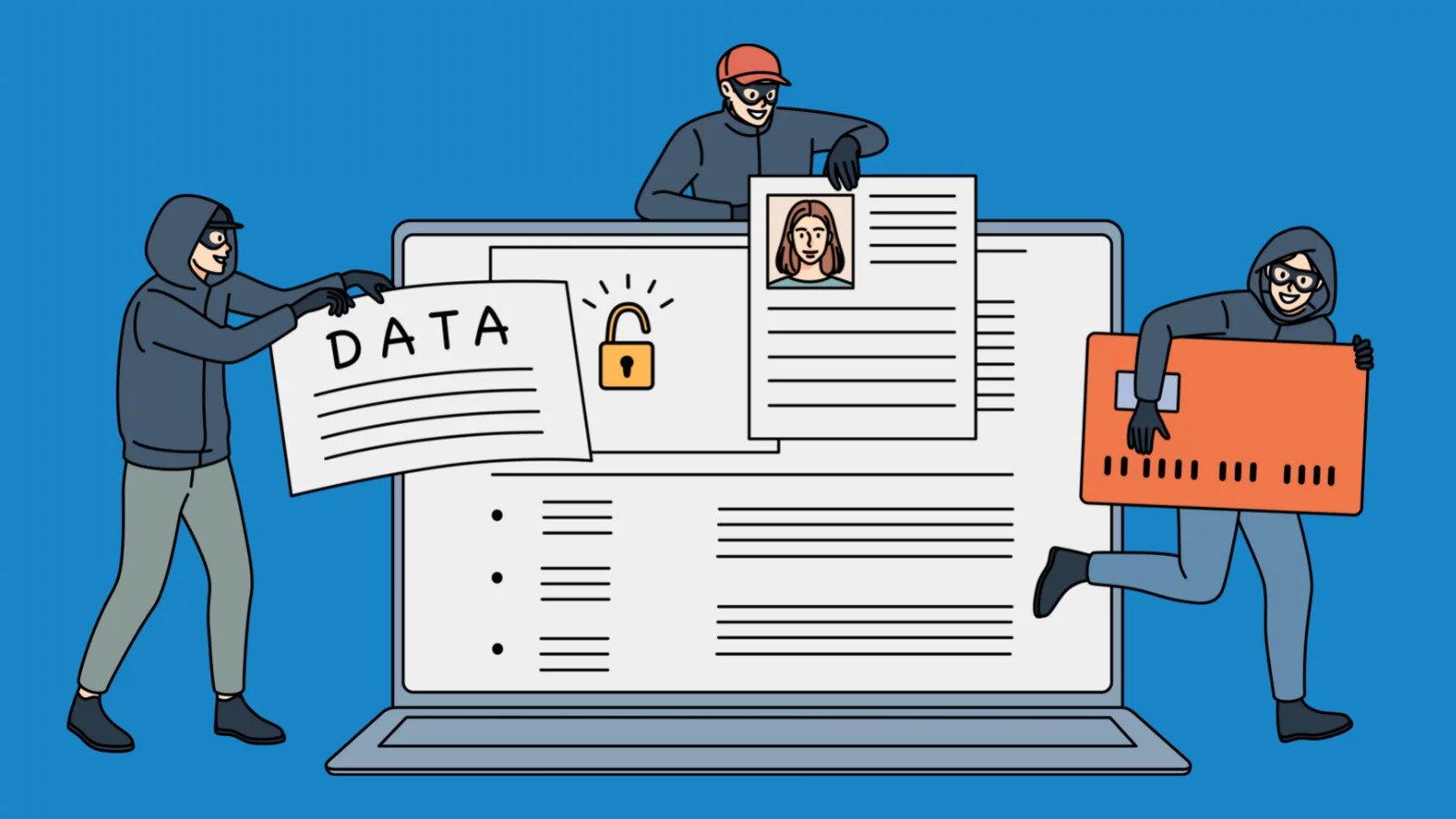
Storing personal, sensitive, and confidential information digitally creates risks of exposure, theft, or misuse. |
examples |
Equifax Data Breach (2017): Exposed Social Security numbers and financial data of 147 million people. |
Risks |
Identity theft, financial fraud, reputational damage, legal liability. |
Protection |
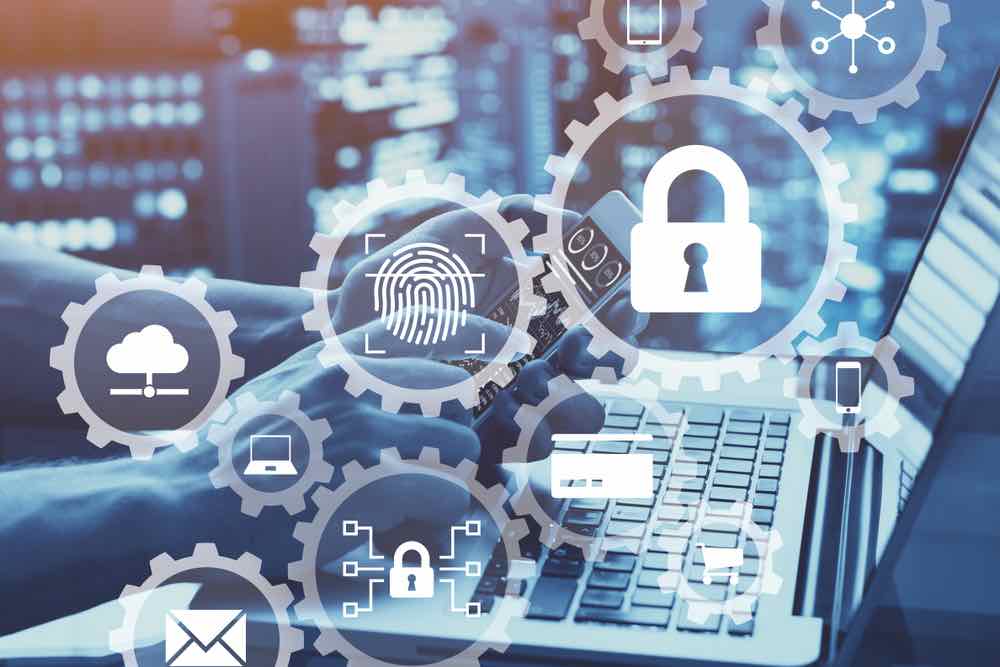
Strong encryption, data minimization, compliance with GDPR/HIPAA, user awareness. |
Q: How can personal, sensitive, and confidential data be at risk when stored digitally?An: Due to data breaches, malware, and human error. Data breaches: Hackers gain unauthorized access to databases and systems. Malware: malicious software can infiltrate systems and steal, damage, or disrupt data. Human error: Improperly configured systems can leave sensitive data vulnerable. |
|

|
Q: Examples of breaches or misuse of collected data (e.g., identity theft, targeted advertising, surveillance).
An: Data breach examples are everywhere—headlining news, prompting urgent company emails, and leaving individuals wondering if their personal information is at risk. From cyberattacks to human errors, these incidents expose sensitive data, leading to financial loss, reputational damage, and legal consequences. |
Q: Role of companies, governments, and individuals in safeguarding data privacy.
An: Companies: Protect user data through strong policies, compliance (e.g., GDPR), transparency, and quick response to breaches. Governments: Enforce laws, hold organizations accountable, and create frameworks that safeguard individuals’ rights. Individuals: Safeguard their information with good practices (e.g., strong passwords, cautious sharing), stay informed, and advocate for better privacy protections. |
|
2.Misuse of Computing Resources and How They Can Be Protected
definition |
Using computing power, storage, or networks without authorization or for unethical purposes. |
examples |
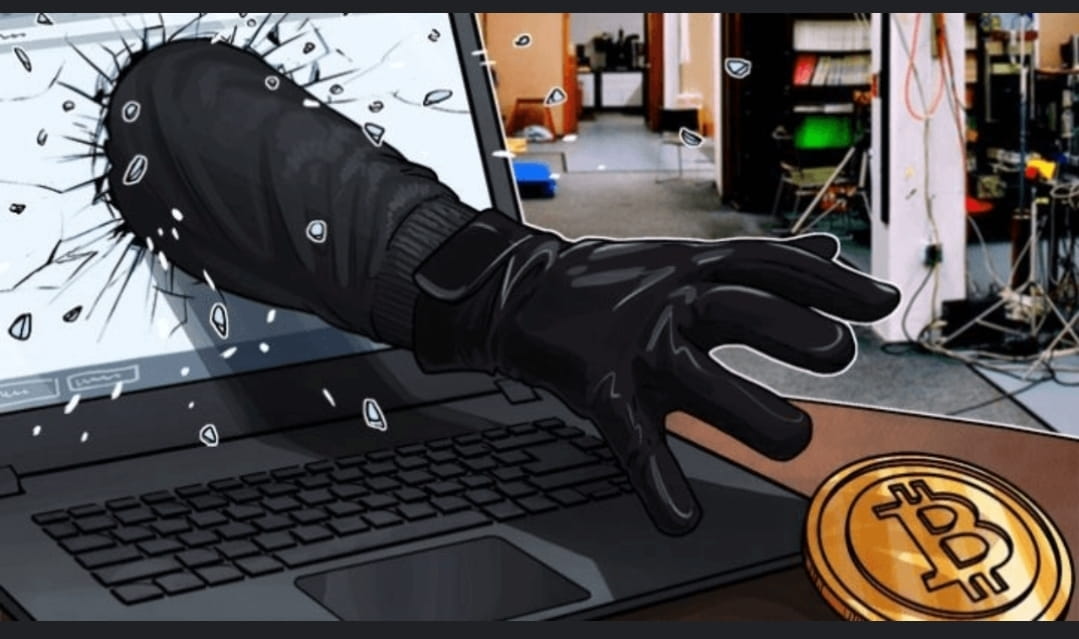
Cryptojacking Attacks (e.g., Tesla Cloud Hack, 2018): Hackers hijacked Tesla’s cloud servers to mine cryptocurrency. |
Risks |
System slowdowns, higher energy costs, hardware damage, legal penalties. |
Protection |
Firewalls, intrusion detection, usage policies, regular security monitoring |
Q: Examples of computing resources: processing power, storage, networks, cloud services.
An:Processing Power: CPUs (measured in millicores) that handle computation. Storage: Systems for securely and efficiently storing large amounts of data. Networks: High-speed internet and private networks for fast, secure data transfer. Cloud Services: Platforms like AWS, Azure, and GCP offer hundreds of on-demand services worldwide. |

|
|
Q: Protective measures: access controls, firewalls, intrusion detection, and user training.
An: Security Controls = Protections against security threats. By Function: Preventive: Stop attacks (firewalls, MFA). Deterrent: Discourage attacks (policies, warnings). Detective: Spot incidents (IDS, monitoring). Corrective: Fix issues (backups, resets). Compensating: Alternatives (extra access rules, training). Directive: Guidance (policies, awareness). By Category: Technical: Tools (encryption, firewalls). Managerial: Policies, oversight. Operational: Daily practices (updates, training). Physical: Locks, guards, cameras. Importance: Reduce risks, protect data, follow laws, build trust. |
Q: Common misuses: cryptocurrency mining on hijacked systems, spam distribution, malware hosting, illegal downloads.
An: Cryptojacking may have the following consequences to victim devices, systems, and networks: Degraded system and network performance because bandwidth and central processing unit (CPU) resources are monopolized by cryptomining activity Increased power consumption, system crashes, and physical damage from component failure due to the extreme temperatures Disruption of regular operations Financial loss due to system downtime caused by component failure, and the cost of restoring systems and files to full operation, as well as the cost of the increased power consumption. |
|
3. Unauthorized Access to Computing Resources
definition |
Gaining access to accounts, systems, or networks without permission through phishing, malware, or weak security. |
examples |
Yahoo Data Breach (2013–2014): Exposed 3 billion accounts due to stolen credentials. |
Risks |
Data theft, ransomware extortion, service outages, loss of trust. |
Protection |
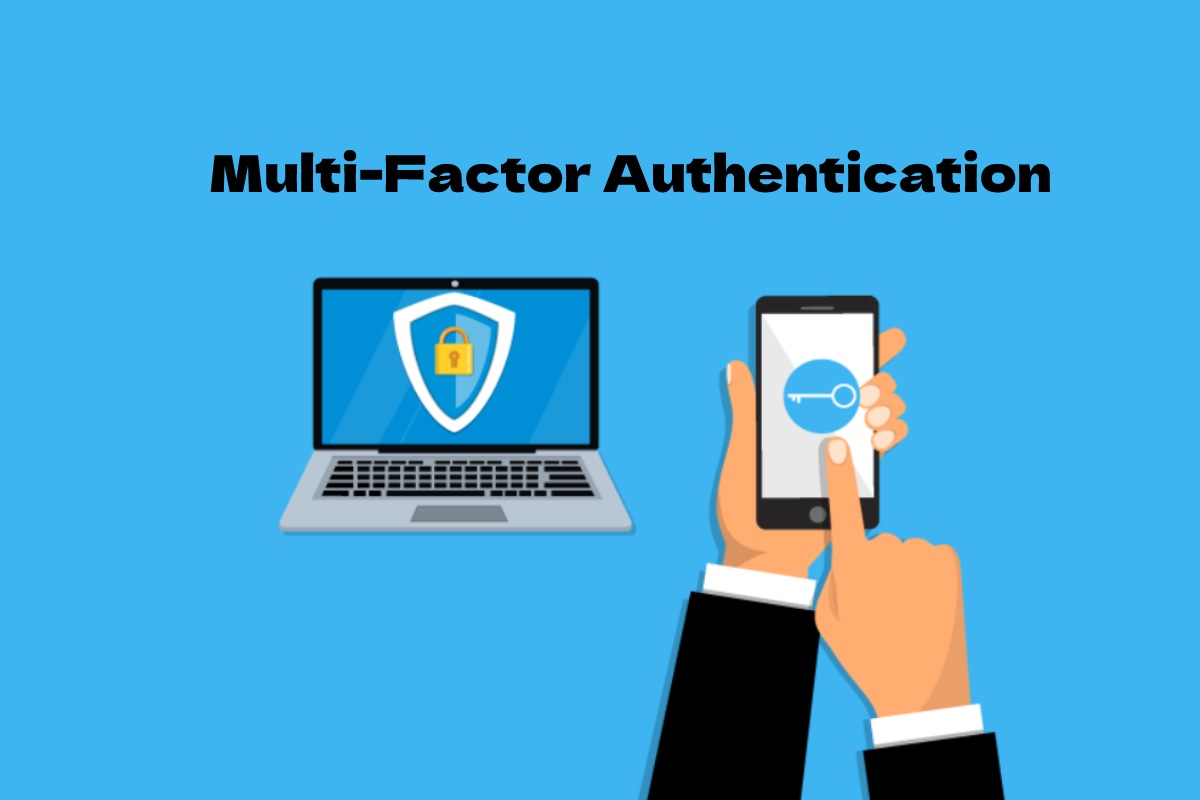
Multi-factor authentication, encryption, frequent updates, employee training. |
Q: How attackers gain access: phishing, malware, weak passwords, and social engineering.
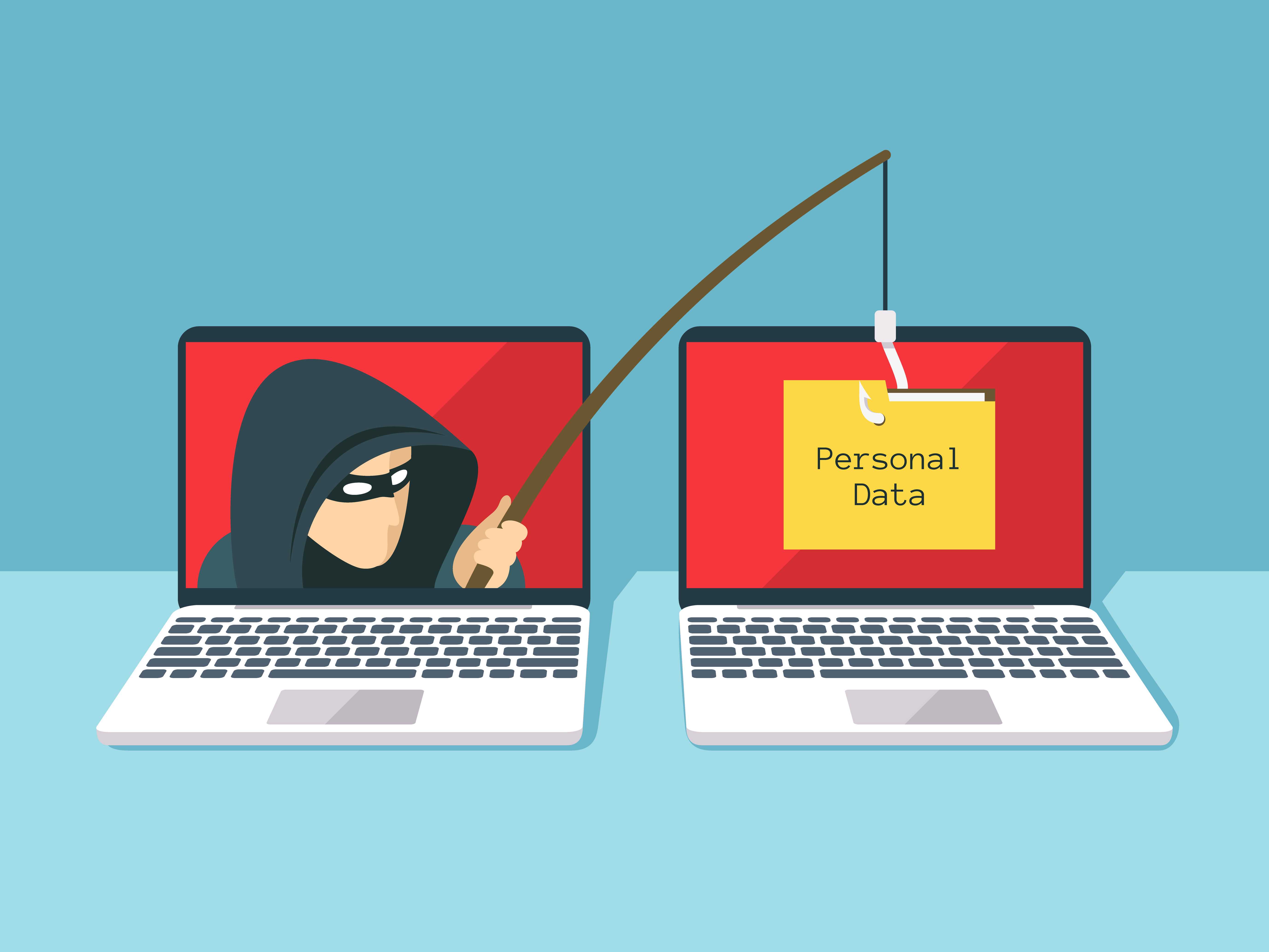
An:Hackers steal passwords through breaches, phishing, weak or reused passwords, and insecure n etworks. Warning signs include breach alerts, account lockouts, and unusual logins. Protect yourself b y using strong, unique passwords, enabling two-factor authentication, monitoring breaches, and avoiding insecure networks. |

|
|
Q: High-profile breaches and their impacts on individuals, businesses, and governments.
An: hakers steal passwords through data breaches, phishing scams, credential stuffing, weak or reused passwords, and insecure networks Warning signs include breach notifications, unexpected lockouts, unusual login activity, or sudden password reset emails To protect yourself, use strong and unique passwords, enable two-factor authentication, monitor for breaches, store pass words securely, and avoid risky networks like public Wi-Fi without a VPN |
Q: Preventative strategies: multi-factor authentication, encryption, and regular security updates.
An: Multi-Factor Authentication (MFA): Strengthens security by requiring two or more forms of verification (like a password plus a code or fingerprint), reducing the risk of account compromise even if login details are stolen. Encryption: Protects sensitive information by converting it into unreadable code that only authorized users with the correct decryption key can access, keeping data safe from hackers. Regular Security Updates: Keep systems protected by fixing bugs and vulnerabilities that attackers often exploit in outdated software, including operating systems, browsers, and applications.Combined, these strategies create a strong defense that helps individuals and organizations safeguard data, prevent unauthorized access, and maintain the integrity, confidentiality, and availability of information. |
|